
A TV That Still Did Not Work After a Replacement
I went back to a client’s place to look into a TV issue she had been dealing with for a while.
She had a Roku TV that wasn’t working and had been advised it wasn’t compatible with the building’s network. She was told to go out and buy a new Samsung Smart TV. It got mounted to the wall but the problem was still there.
When a replacement doesn’t fix it, that usually means the issue is somewhere else.
Familiar Building, Familiar Setup
I’ve worked in this building before and set up Nighthawk routers for other residents, so I had a good idea of how the network is structured. The building runs managed wifi throughout and everyone shares it, but if you install your own router in the apartment you create a separate network to connect to.
That context helped me know where to look.
Finding the Real Problem
She had a cable modem router in the apartment. I was using AI to think through the problem as I worked and it flagged that the cable modem router wasn’t compatible with the building’s network. That matched what I was seeing.
Swapping the Router and Getting It Running
I removed it and installed a Nighthawk wireless router. We downloaded the Nighthawk app on her iPhone, created an account, went through the setup process, and within a few minutes it was connected and running smoothly.
Getting the TiVo Roamio Up and Running
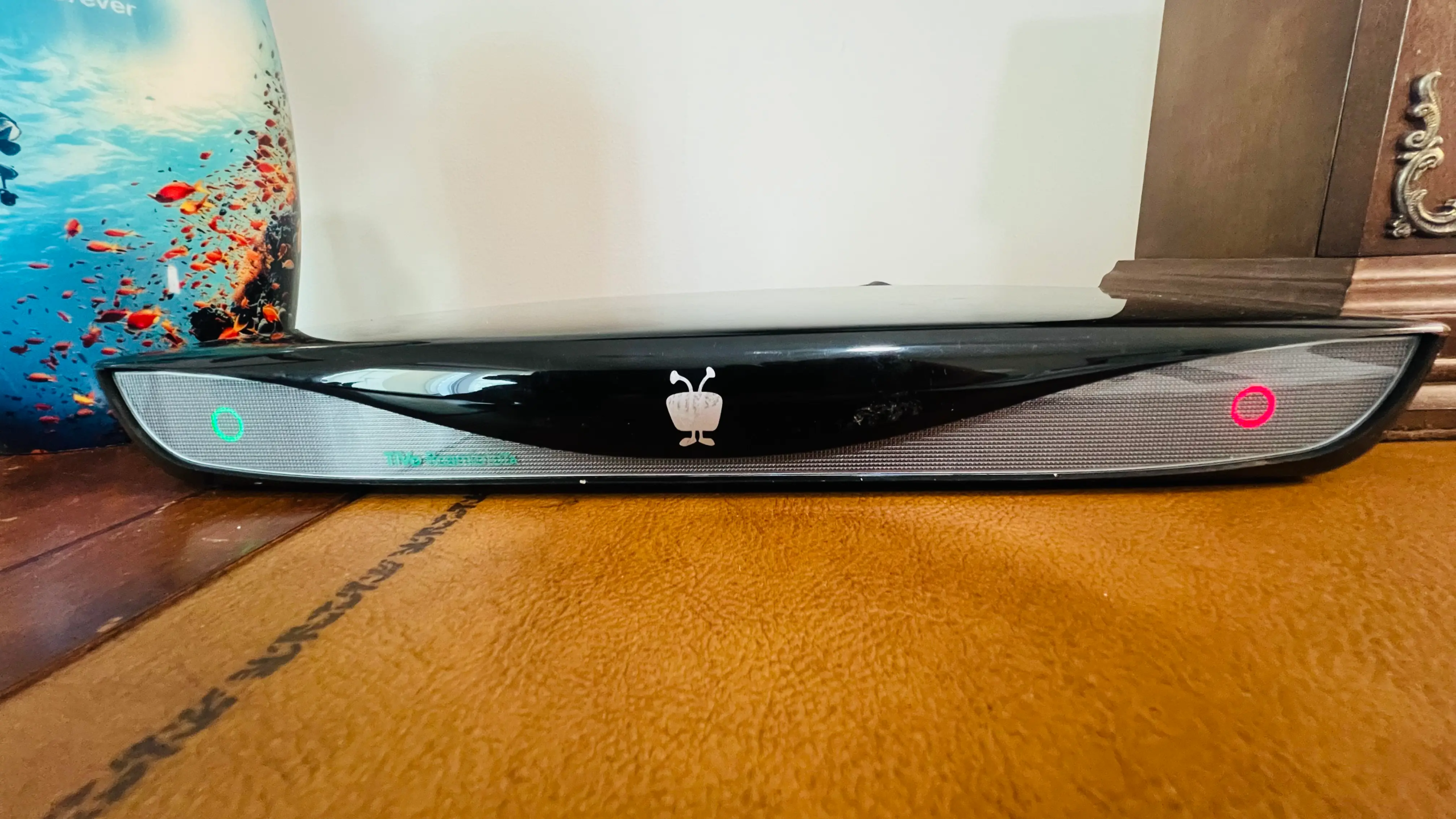
From there I hooked up the TiVo Roamio coax from the building’s cable feed, network cable to the router. Scanned the channels. It worked. Connected the TiVo to its servers, the guide loaded, all the titles showed up, and she was able to start recording her shows before I left.
She didn’t need a new TV.
Why This Situation Is More Common Than You Think
A lot of problems like this come down to one piece of equipment that isn’t playing nicely with the network it’s on. It doesn’t announce itself. It just quietly causes everything else to fail.
Taking the time to work through it step by step and using every tool available, including AI usually gets you to the answer faster than assuming you already know what it is.
If you’re dealing with a similar setup and want a second opinion, feel free to reach out. I’m also writing more about TiVo setups and home network troubleshooting over at Tech Assist for Seniors.